Your menu, always up to date: website, QR code, screens and PDF.
Your menu up to date everywhere from a single entry, and as a PDF when you need paper.Enter it once and your menu is the same everywhere. Need paper? A PDF in your colours, updated in one click. No more out-of-date printed menus.
Why use it
Instant updates everywhere
Change a price or a dish once: your website, the QR code and your screens reflect it straight away. Your guests always see the right menu, wherever they look at it.
Your menu in each guest's language
Visitors scan the QR code and read your dishes and drinks in French, German, Italian or English, in the language of their phone. On the Gourmet plan, you enter your translations and correct them whenever you like. On the Épicurien plan, AI translates the menu and re-translates every dish you change, keeping proper names, appellations and regional specialities intact.
An up-to-date paper menu in one click
Export your menu as a PDF in 3 layouts (Classic, Modern, Elegant), with your logo and colours. The PDF always mirrors the online menu: when a price changes, you reprint a correct menu.
Your current menu imported from its PDF
Send the PDF of your menu: categories, dishes and prices are picked up automatically. You review and approve, then replace the existing menu or merge the two. No retyping.
A version history to go back in time
Keep up to 5 named and dated versions of your menu (summer menu, winter menu…) and restore any of them in one click. Before an import that replaces everything, your current menu is saved automatically.
A menu that shows off every dish
Well-written descriptions, appetising photos and multi-tier prices: your menu becomes a selling point. Your signature dishes deserve better than plain text on laminated paper.
Clear allergen information and a contactless QR code
Every dish shows its allergens and diets (vegetarian, vegan, gluten-free). Guests scan from their phone with peace of mind, and your dining room stays professional.
How it works
Enter your menu, or import it
Import the PDF of your current menu or create your categories by hand. Add photos, allergens and diets (vegetarian, vegan, gluten-free). The drinks menu has its own fields (volume, region, vintage).
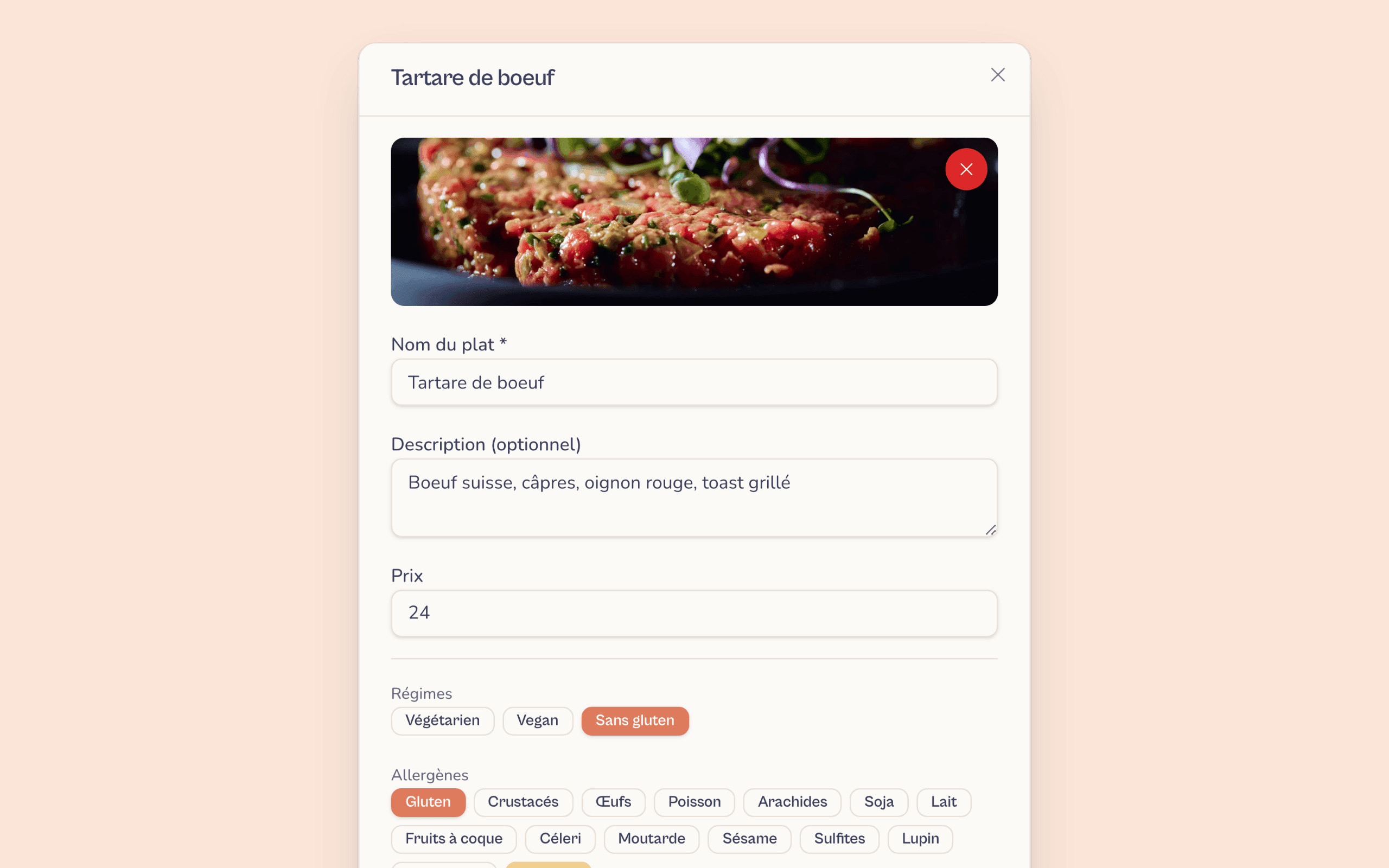
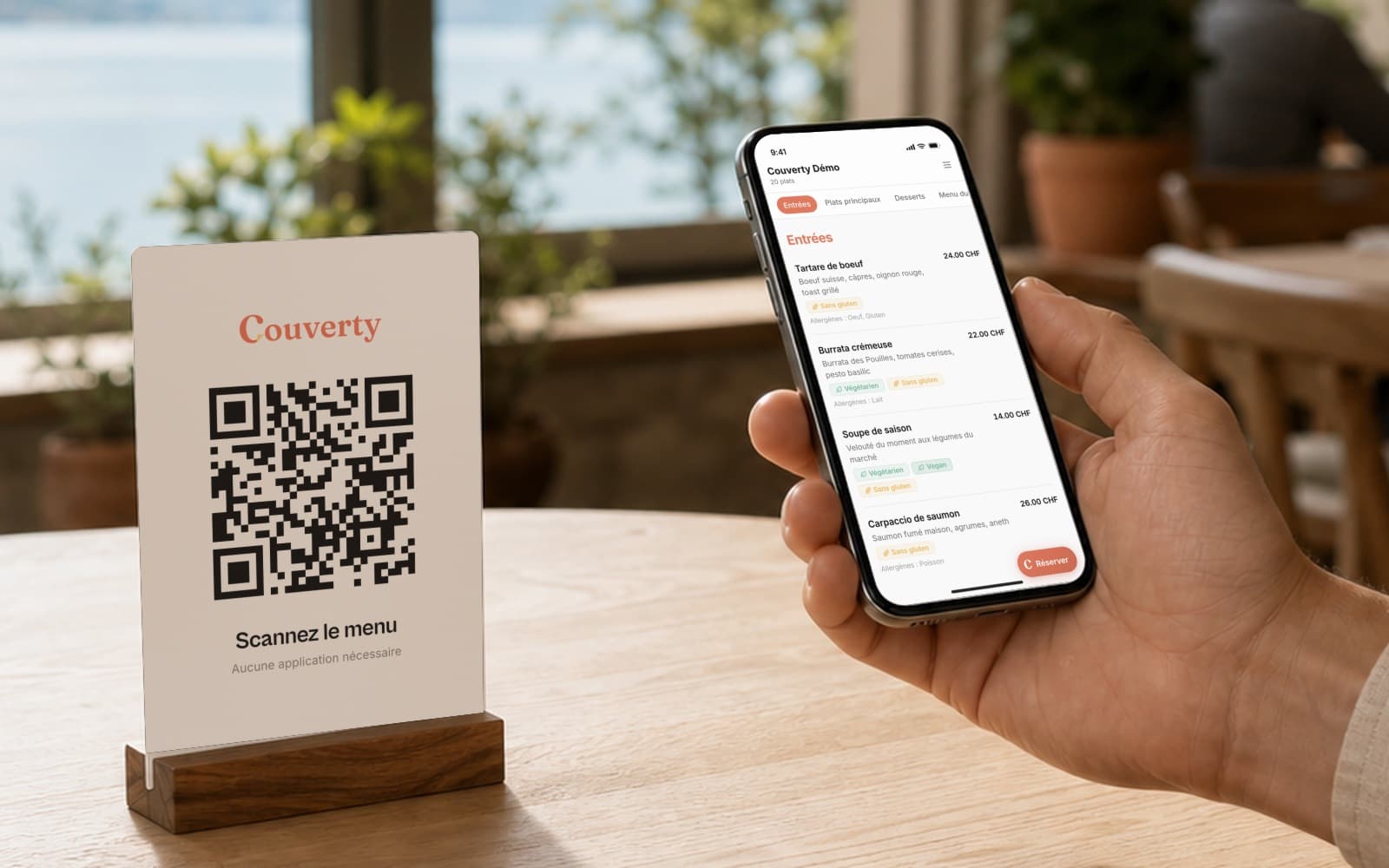
Generate your QR code in an instant
Couverty automatically creates a QR code to print and place on your tables. Guests scan it and open your menu on their phone, with no app to download.
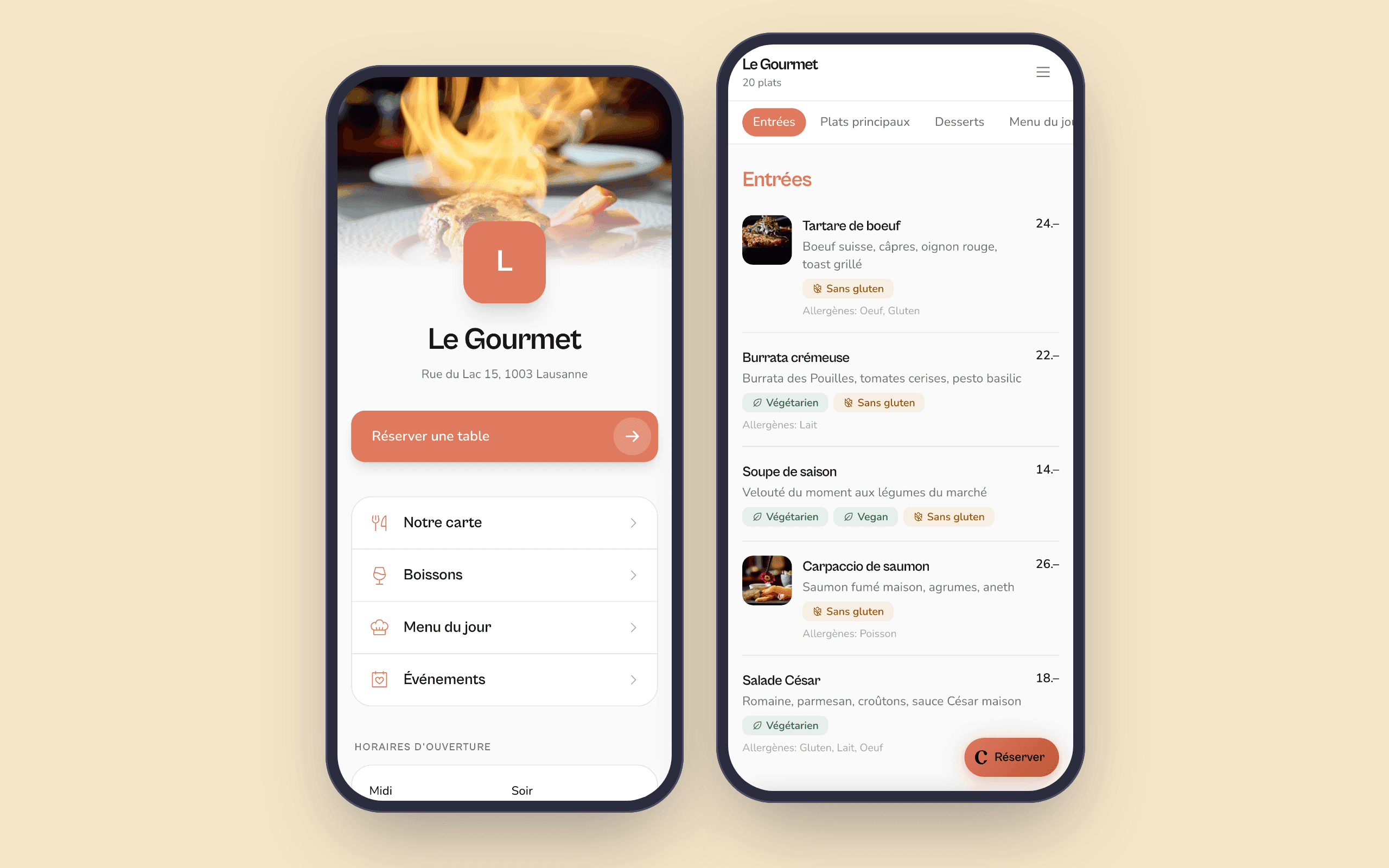
Consistent everywhere, in real time
Website, booking widget, screens and PDF all show the same menu. As soon as you save a change, everything is up to date, with nothing to redo.
Your supplier raises prices on a Monday morning
Instead of spending an hour sticking on new price labels, you open Couverty, update the prices in two minutes and save. The new menu is instantly on your website, the QR codes on your tables and your screens. For paper menus, you export the PDF and print it. No guest will ever see an out-of-date price.
What restaurant owners say
Restaurants in French-speaking Switzerland, just like yours.
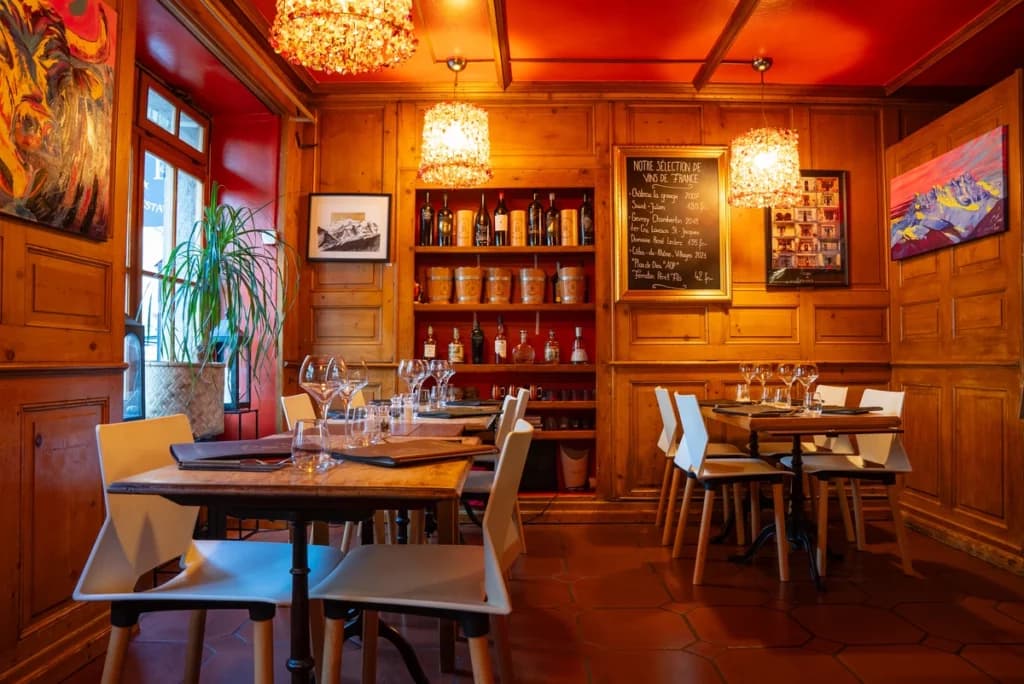
I am delighted to be working with the Couverty app: this booking platform matches exactly what I need.
Marc
Café National, Martigny-Bourg
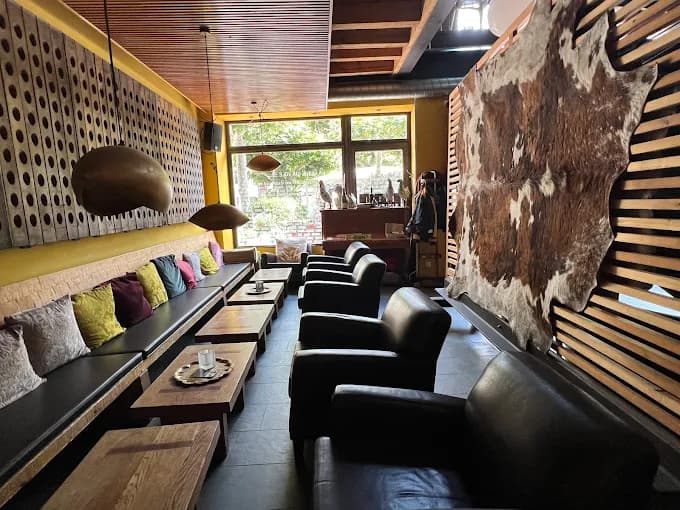
The tool meets a real need for managing bookings and organising our work: it helps us keep service flowing, anticipate busy periods and improve the guest experience.
Daniele Avitabile
La Vache qui Vole, Martigny
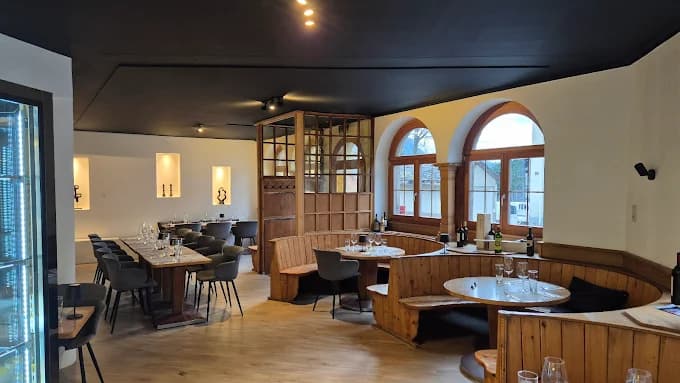
This solution really helps us manage bookings and organise our dining room: anticipating services better, managing tables more efficiently and working more smoothly. Real value for our team and for our guests.
Stéphane Délez
Le Lieu 23, Leytron
FAQFrequently asked questions
Everything you need to know about this feature.
Yes, along with a description, allergens and prices.Yes. Each dish takes a photo, a free-text description, its allergens and several price tiers (e.g. small or large portion, with or without a supplement). Everything you need to showcase your menu effortlessly.
Yes, with dedicated fields (volume, region, vintage).Yes. Drinks have their own categories and specific fields: volume, region of origin, vintage. You can organise wines, craft beers and soft drinks in a separate menu, in as much detail as you like.
Yes: allergens, vegetarian, vegan and gluten-free for each dish.Each dish can show its regulatory allergens as well as diet flags (vegetarian, vegan, gluten-free). This information is visible directly on the public menu, whether guests open it via the QR code or on your website.
Yes, and Couverty prepares it for you as a PDF.Of course. Export your menu as a PDF in 3 layouts (Classic, Modern, Elegant), with your logo and colours, then print it. The PDF mirrors the online menu: on paper or via the QR code, your guests see the same dishes and the same prices.
Yes, from its PDF. You approve it before saving.Yes. Send the PDF of your current menu: categories, dishes and prices are picked up automatically. You review it, correct anything if needed, then choose whether to replace the existing menu or merge the two. Up to 10 imports a month, on the Gourmet and Épicurien plans.
Yes: up to 5 versions kept, restored in one click.You can save up to 5 versions of your menu, each with a name and a date. A version can be restored in one click. Before an import that replaces everything, Couverty automatically saves your current menu: nothing is lost.
Yes, in each guest's language, from the Gourmet plan.Yes. You choose your menu's languages from French, German, Italian and English. The names and descriptions of dishes and drinks, the categories and the menu text appear in your guest's language, on your page as well as after scanning the QR code. On the Gourmet plan, you enter the translations yourself. On the Épicurien plan, AI translates the whole menu, then re-translates every dish you change; proper names, appellations and regional specialities are kept. A translation that is no longer up to date is never shown: your guest then sees the original text.
A question? Contact us
A menu that is always up to date, everywhere
One entry, a PDF in your colours, a polished image on every channel.
A question? contact@couverty.ch