Write your menu once, it shows up everywhere.
One entry: your menu is on your page, on a poster, in an email, in the dining room and on Google.Restaurant page, poster for Instagram and Facebook, email to your guests, dining room screen, Google Business Profile and PDF: it all comes from the same entry. Your events too, with their menus.
Why use it
One entry, six channels up to date
You write the menu of the week once, with several menus a day and alternatives per course if needed. It appears on the restaurant's public page, is emailed to your guests, shows on the dining room screen and on your Google Business Profile, can be downloaded as a PDF and becomes a poster. Nothing to copy out again.
Posters ready to post, in your colours
Story 9:16 or Post 4:5 format, up to 5 days per poster. Your colours, logo and font are applied automatically. You download it or share it from your phone, and you can publish it directly to your Google Business Profile.
One clear price, reduced prices worked out for you
A single amount for the whole week, with prices without a starter or without dessert calculated automatically: “Menu CHF 28 · Without starter CHF 24 · Without dessert CHF 23”. The same price shows everywhere, with no copying errors.
A dining room screen and an email that bring guests back
The dining room screen shows the same page as your public page, readable from several metres away. Every week, the menu is emailed to guests who have already booked with you. For the window or the counter, print the PDF (3 layouts).
Events that fill quiet evenings
Raclette night, tasting menu: every event has its own page, with several menus and their prices. Guests choose their menu in the booking widget. The event poster is created with your photo.
How it works
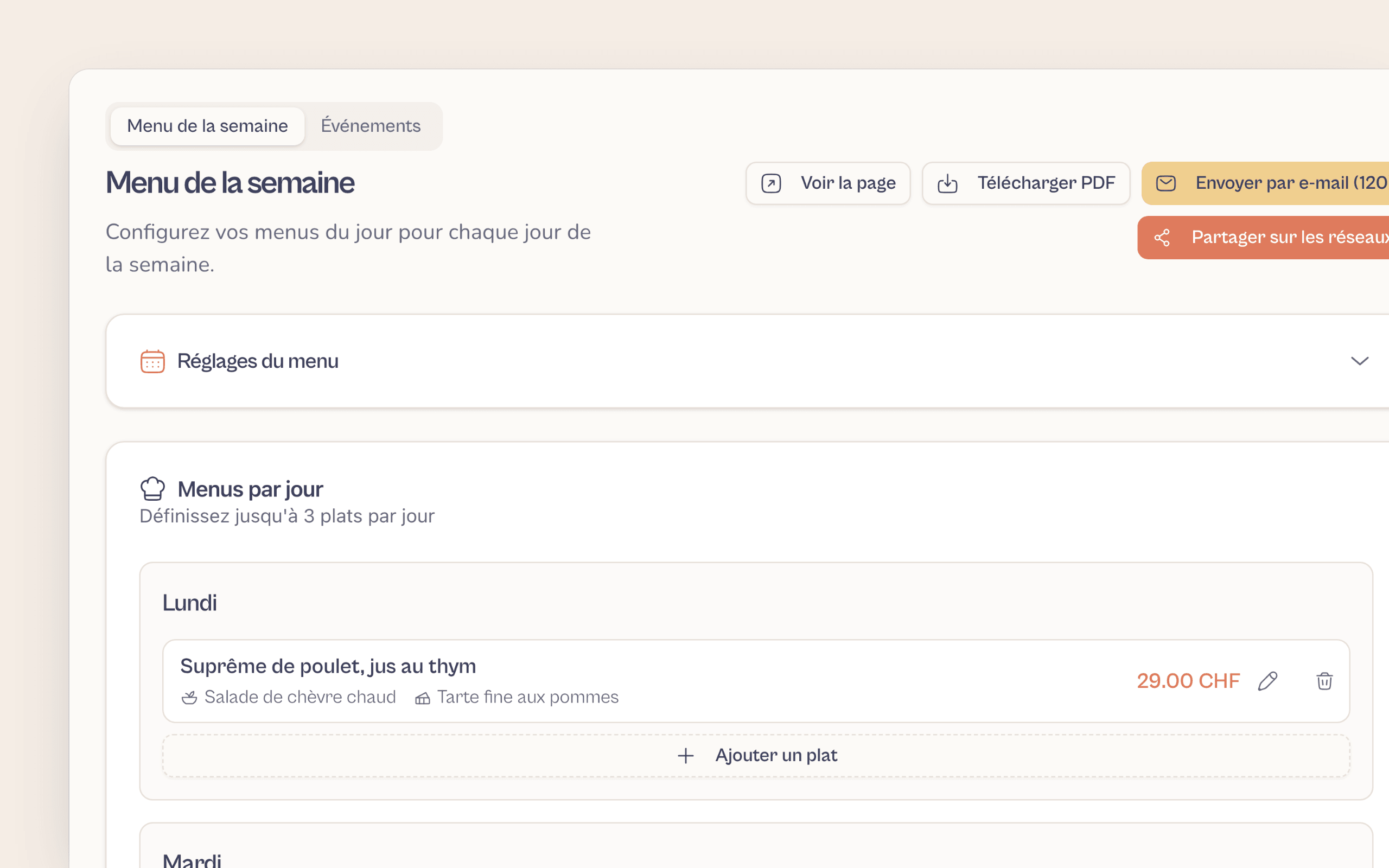
Write the menu of the week
The dishes of the day over 7 days (up to 3 a day), or a single menu for the whole week. Enter the price and, if you like, a lower price without a starter or dessert.
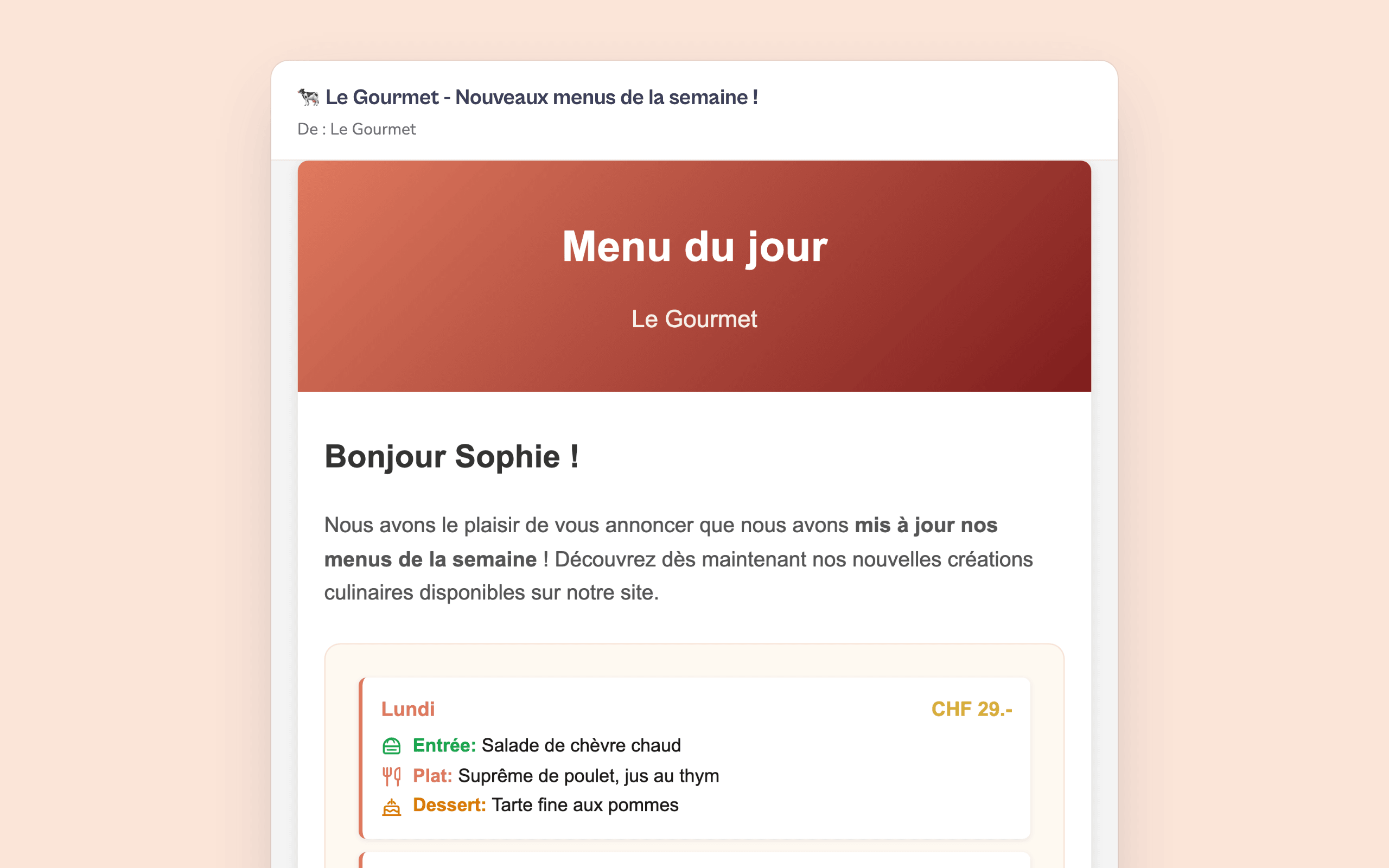
It appears everywhere, with nothing to redo
Public page, dining room screen, weekly email and PDF are updated instantly. On the Poster page, choose a format: your poster is ready to post.
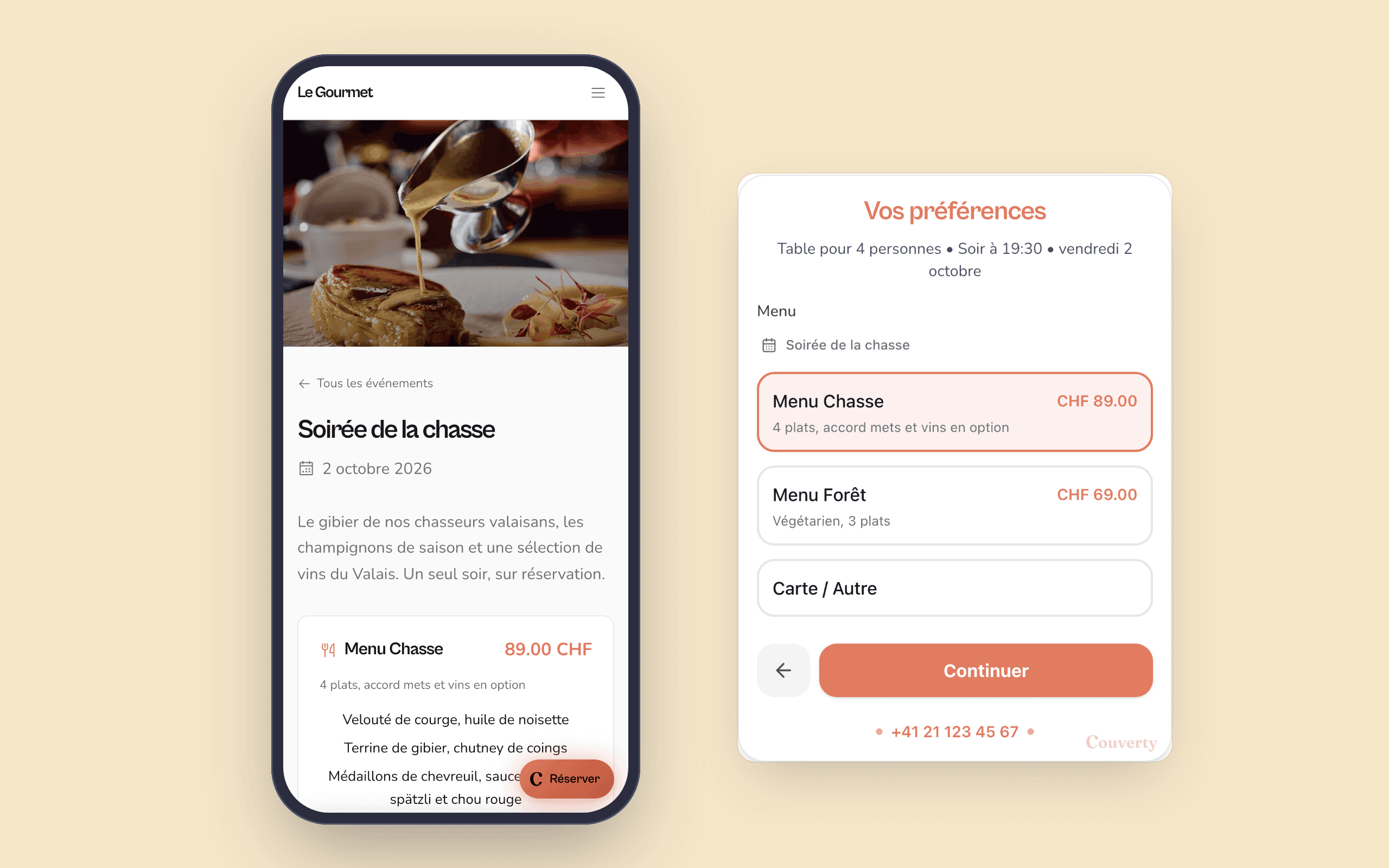
Your events are booked with their menu
Create an event with its dates, photo and menus. It has its own page, and guests choose their menu when they book: you know the orders before service.
Monday morning, before the rush
You write the menu of the week in five minutes. It is instantly on your page and on the dining room screen. You pick the Story format: the poster is ready, you share it on Instagram from your phone and publish it to your Google Business Profile. The weekly email goes out to your regulars. You haven't copied out a thing.
What restaurant owners say
Restaurants in French-speaking Switzerland, just like yours.
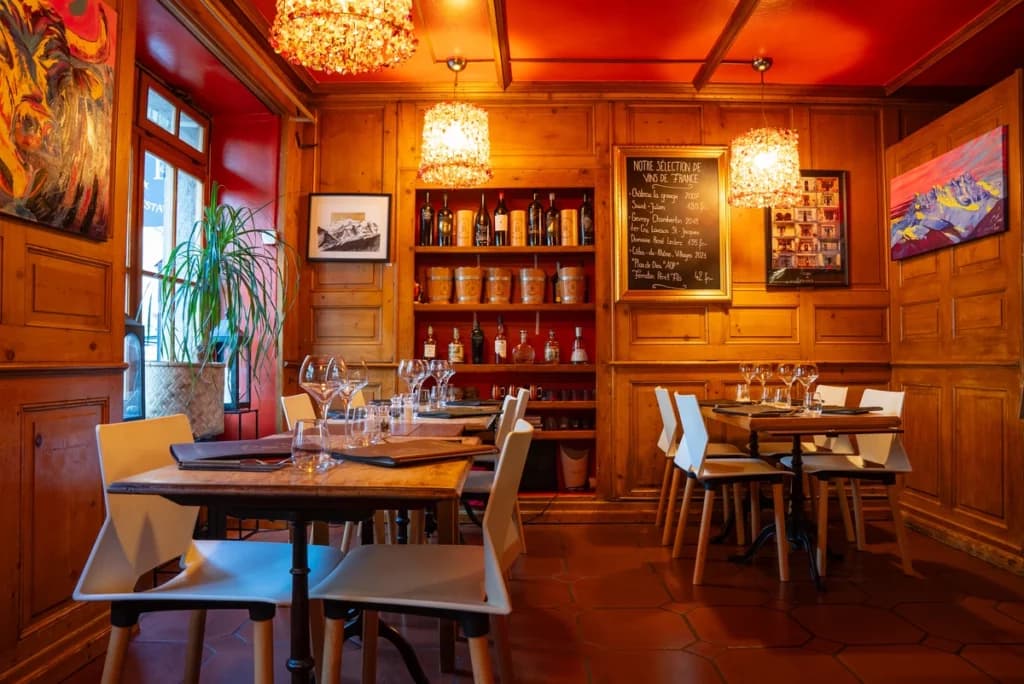
I am delighted to be working with the Couverty app: this booking platform matches exactly what I need.
Marc
Café National, Martigny-Bourg
The tool meets a real need for managing bookings and organising our work: it helps us keep service flowing, anticipate busy periods and improve the guest experience.
Daniele Avitabile
La Vache qui Vole, Martigny
This solution really helps us manage bookings and organise our dining room: anticipating services better, managing tables more efficiently and working more smoothly. Real value for our team and for our guests.
Stéphane Délez
Le Lieu 23, Leytron
FAQFrequently asked questions
Everything you need to know about this feature.
The menu is permanent. This is for the offers that change.The digital menu is your permanent menu: dishes, drinks, prices. This feature covers what changes: the menu of the week, events with their menus, and the posters that spread the word.
Several menus a day, alternatives per course and an optional single price for the week.The menu of the week takes up to 10 menus a day, over 7 days, and up to 5 alternatives per course (salad or soup, for example). You can also switch to a single menu if your offer doesn't change from day to day. With the single price, you enter one amount for the whole week, and the prices without a starter or without dessert are calculated automatically.
Two modes: a template in your colours, or a poster with a mood background.Template mode offers 3 layouts (Classic, Modern, Elegant), with no limit. Mood background mode offers 4 styles (Paper, Colour, Night, Full frame), up to 20 posters a month. Story 9:16 and Post 4:5 formats, up to 5 days per poster. Your last 5 posters remain available.
No made-up dishes: it's your photo, or a simple mood background.Without a photo, the poster uses a mood background, with no dish at all. With your photo, only the lighting and background are retouched: the dish stays yours. The text and prices come from your menu, nothing is made up.
It's ready to post: you share it from your phone.The poster arrives ready to post. You download it or share it from your phone to Instagram or Facebook in a few seconds. Only your Google Business Profile can receive it directly from Couverty.
Guests who have already booked with you. Unsubscribe in 1 click.The email goes out every week to guests who have already booked with you using their email address. Every email includes an unsubscribe link: one click is enough, in line with the GDPR. You have nothing to manage, the list keeps itself up to date.
One page per event, with its menus and their prices.An event has its dates, its photo, its service (lunch, dinner or both) and one or more menus with their prices. It has its own page and appears in the booking widget: guests choose their menu when they book. With the event photo, you also create its poster.
The Épicurien plan.The menu of the week, events and posters are part of the Épicurien plan. It includes 20 posters with a mood background a month. Posters in Template mode are unlimited.
A question? Contact us
A menu written once, seen everywhere
Page, poster, email, dining room screen, Google and PDF. Included in the Épicurien plan.
A question? contact@couverty.ch