Couverty connects to your tools for a synced calendar and more visibility on Google.
Book button, menu and opening hours on Google, a synced calendar, no double entry.A "Book" button on your Google Business Profile, even if it never had one. Your menu published straight to Google. Opening hours, closures and reviews in sync, your bookings in Google Calendar. Everything stays consistent, with no effort on your part.
Why use it
A "Book" button on your listing, even if it never had one
No booking button on your Google Business Profile? Couverty adds one. Already have one from another platform? The Couverty link goes first. Guests who find you on Maps book on your Couverty page, with no commission.
Your menu, straight on Google
Dishes and drinks are published to your listing in one click, with prices, in the Google Menu section. The listing's "Menu" link points to your menu or your daily menu, and the menu of the week can go out as a Google post. A price changes in Couverty? Publish again and it is up to date.
Everything syncs from Couverty
Opening hours, exceptional closures, Website and Menu links: you manage them in Couverty and they go to your listing. Your Google reviews appear in your dashboard and you reply there without switching tools. Enter it once, and your listing is always right.
A calendar that never lies
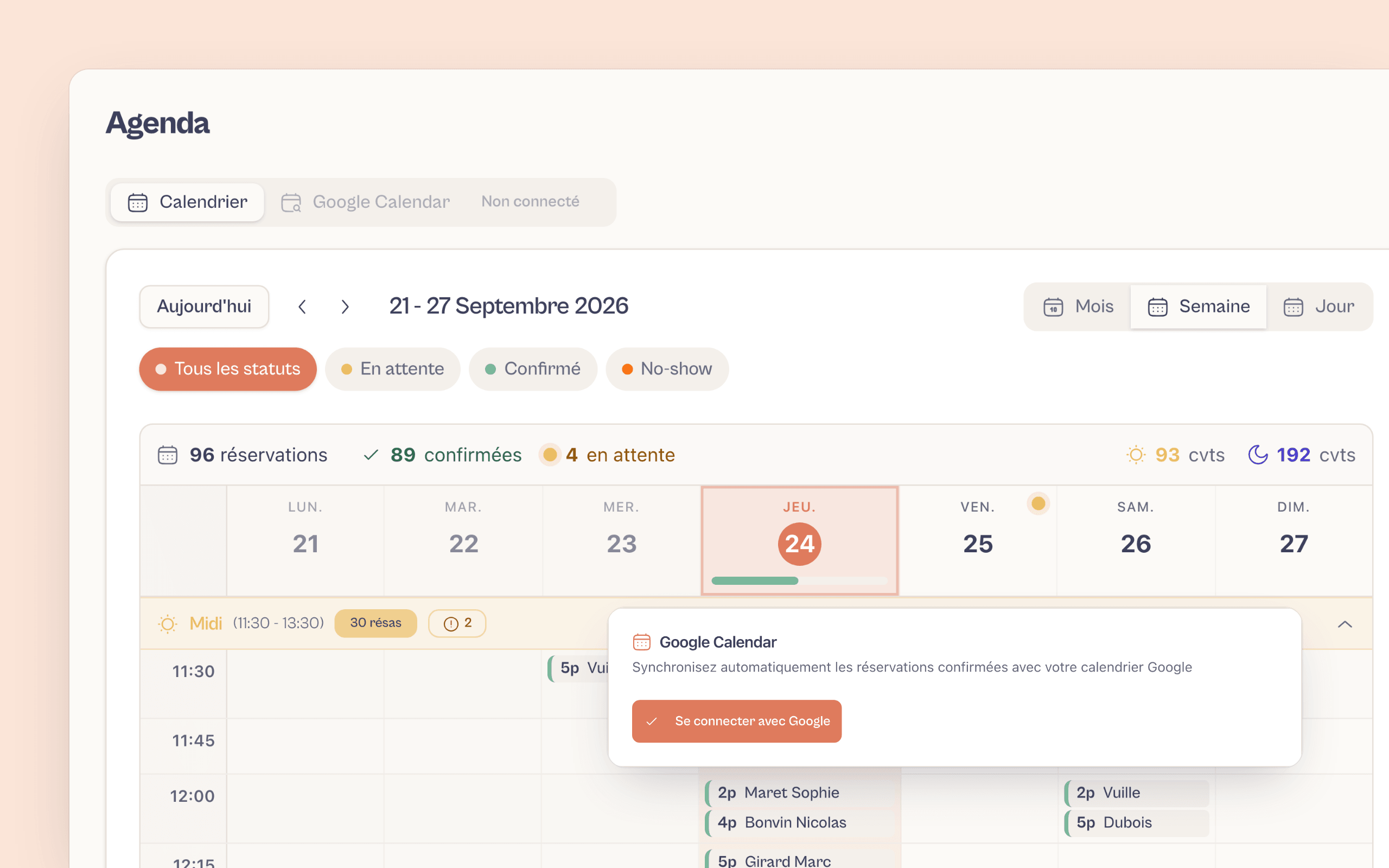
Every confirmed booking syncs instantly with Google Calendar. Your team sees the service in real time, without ever re-entering a single detail.
Your guests add the booking to their calendar
Once the booking is confirmed, every guest receives an ICS file that works with any calendar (Apple, Google, Outlook). Fewer forgotten bookings, fewer no-shows on the day.
An open API to go further
Couverty exposes an API and generates API keys: connect your till, your PMS or any in-house tool whenever your setup calls for it.
How to integrate it
Choose your integration method
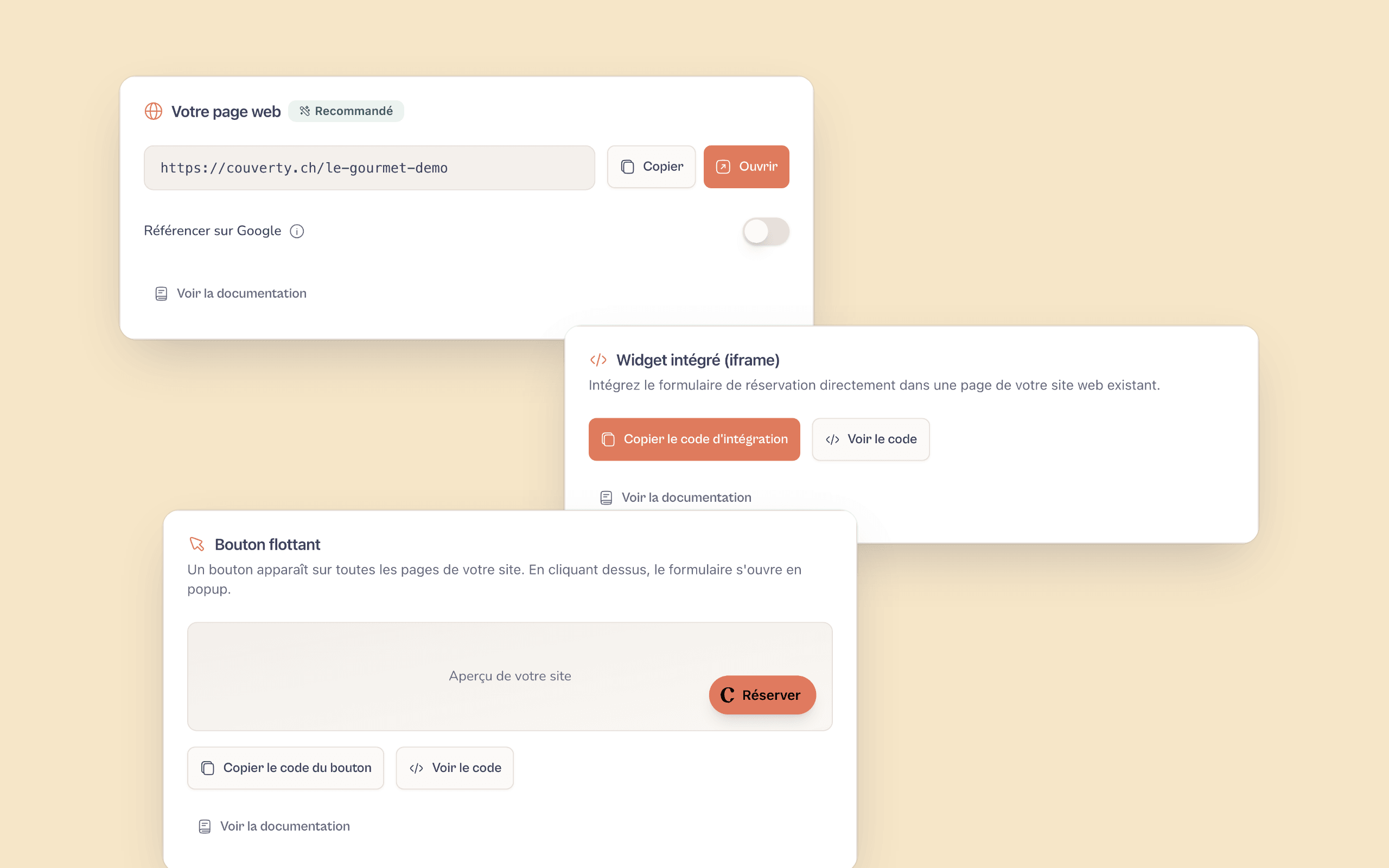
Hosted page, iframe widget, floating button, WordPress plugin or public API: the Couverty documentation points you to the method that suits your website and your technical skills.
Turn on the booking button and publish your menu
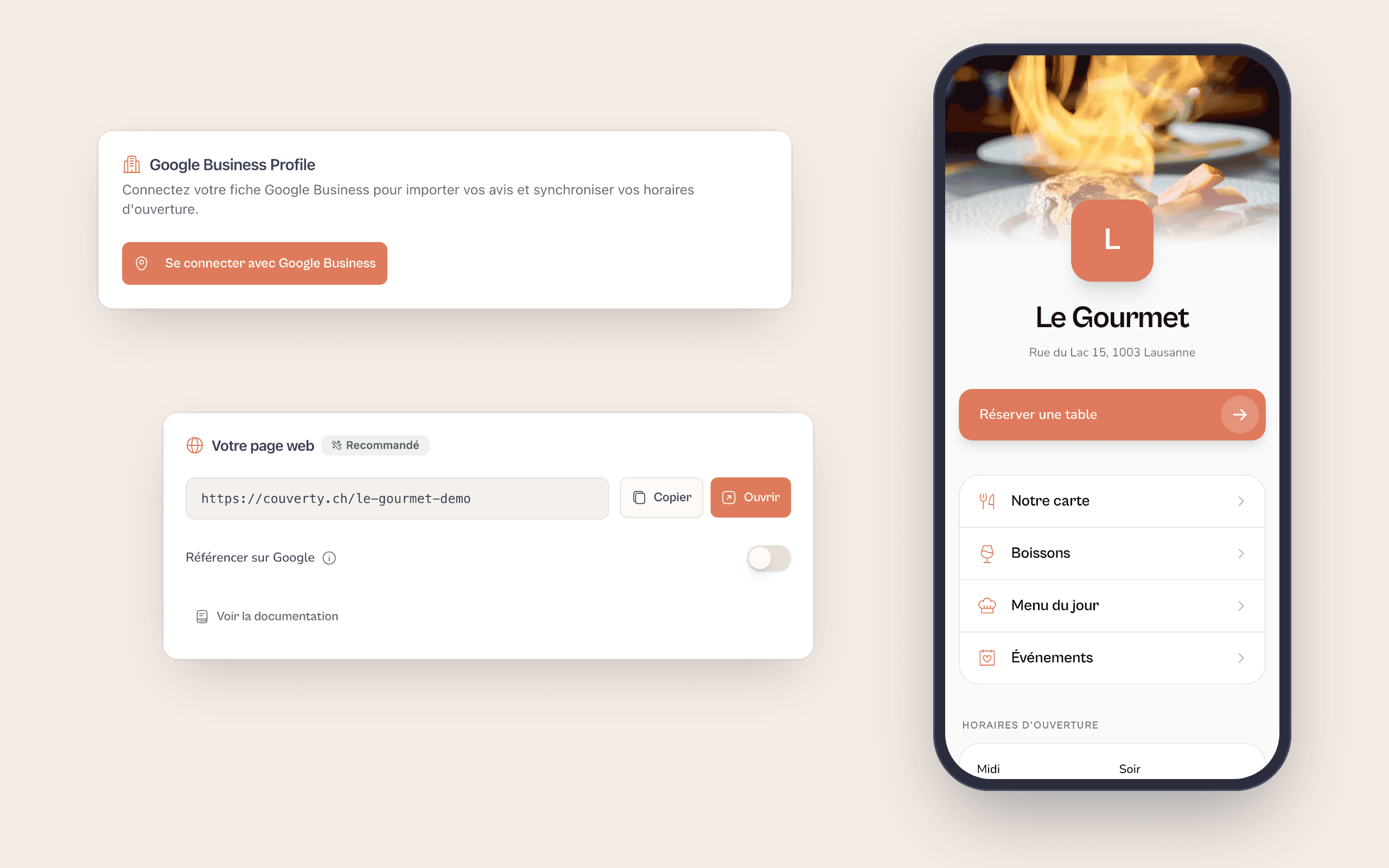
Connect your Google Business Profile and turn on the "Book" button: Couverty adds it if your listing has none, and goes first if another platform already holds it. Then publish your menu to the listing in one click. A switch also sends your confirmed bookings to Google Calendar.
Everything stays consistent, hands-free
New booking, cancellation, change of opening hours, exceptional closure: every change is passed on. Your menu is republished in one click. You run everything from Couverty, and your Google Business Profile and calendar reflect reality.
A guest finds your restaurant on Google Maps at 10 pm
They see your listing, your evening opening hours, your menu with prices and a "Book" button. They land on your booking page, choose a date and time, and confirm in two clicks. The booking drops into your Couverty calendar, syncs to Google Calendar, and the guest receives an ICS file to add it to their own. You did nothing, and tomorrow's dining room is already organised.
FAQFrequently asked questions
The questions integrators and developers ask.
Google Calendar (booking sync) and Google Business Profile ("Book" button, menu, reviews, opening hours and listing links).Couverty handles two separate Google integrations. Google Calendar: confirmed bookings are added automatically, and cancellations remove them. Google Business Profile: a "Book" button takes guests from your listing to your Couverty booking page, your menu is published in the listing's Menu section, your Google reviews appear in your dashboard (you reply without switching tools), your opening hours and exceptional closures go to the listing, and its Menu and Website links point to your pages.
Yes. Once the listing is connected, a switch adds the button, which leads to your booking page.Yes. Once your Google Business Profile is connected in your Couverty settings, a switch adds the "Book" button to your listing and on Maps. It leads to your Couverty booking page. Turn it off and the button disappears. Nothing to do in the Google interface.
In one click from Couverty: dishes and drinks are published with their prices in the Menu section of your listing.In Couverty, a "Publish to Google" button sends your menu (dishes, then drinks, with prices) to the Menu section of your Google Business Profile, replacing whatever was there. Items without a price are not sent, as Google requires one. The listing's "Menu" link points either to your online menu or to your daily menu, as you choose. And if your menu was already entered on Google, Couverty can import it so you do not have to type everything again.
Your Couverty link takes priority: it is shown first, with no commission.Couverty sets your booking page as the venue's preferred link: Google shows it first when a guest clicks "Book". Links added by other platforms (TheFork, for example) remain visible further down, because Google does not allow them to be removed. Your bookings come straight into Couverty, with no commission per cover.
Yes. OAuth only, no password sharing, and you can revoke access at any time.Couverty uses OAuth exclusively, Google's official protocol. You grant limited, targeted access through the Google consent screen. Your password is never sent or stored. You can revoke this access from your Google account at any time, in one click.
Not for Google. The API is an advanced option that calls for a technical profile.The Google Calendar and Google Business integrations are turned on without a single line of code, from your Couverty settings. The API and API key management are a separate option, designed for custom needs (connecting a till, a PMS, an in-house tool). Those do require a developer.
Yes, they appear in your dashboard as soon as the Google Business integration is active.Once your Google Business Profile account is connected, Couverty fetches your Google reviews and brings them together in your dashboard. You keep an eye on your reputation without switching tools, and you can reply to them directly from your Couverty interface.
Yes. The event is removed from Google Calendar automatically.The sync follows the whole life of a booking: creation, change and cancellation. If a guest cancels or you delete a booking in Couverty, the matching event disappears from Google Calendar with no manual action.
A question? Contact us
Your calendar and Google, finally connected.
Booking button, menu, opening hours and reviews: you run your Google Business Profile from Couverty, in a few minutes, with no developer.
A question? contact@couverty.ch