Seat every guest at the right table, automatically.
Draw your dining room, and Couverty assigns the tables and optimises turnover without mistakes.Draw your dining room once, set your rules, and let Couverty optimise seating for every service: more covers, zero seating mistakes.
Why use it
More covers, same dining room
By optimising seating and table turnover, Couverty lets you welcome more guests without enlarging your dining room or hiring staff. You get more out of every service.
Zero seating mistakes, zero double bookings
Capacity checks and time-clash detection eliminate overbookings and wrongly assigned tables before they ever reach the floor.
Groups handled in one click
Couverty suggests the table combination that seats your group while keeping the rest of the service balanced, without breaking your plan or improvising.
Your dining room in front of you, in real time
On the day, see at a glance which tables are occupied, free or pending, and anticipate every turn without chasing information.
How it works
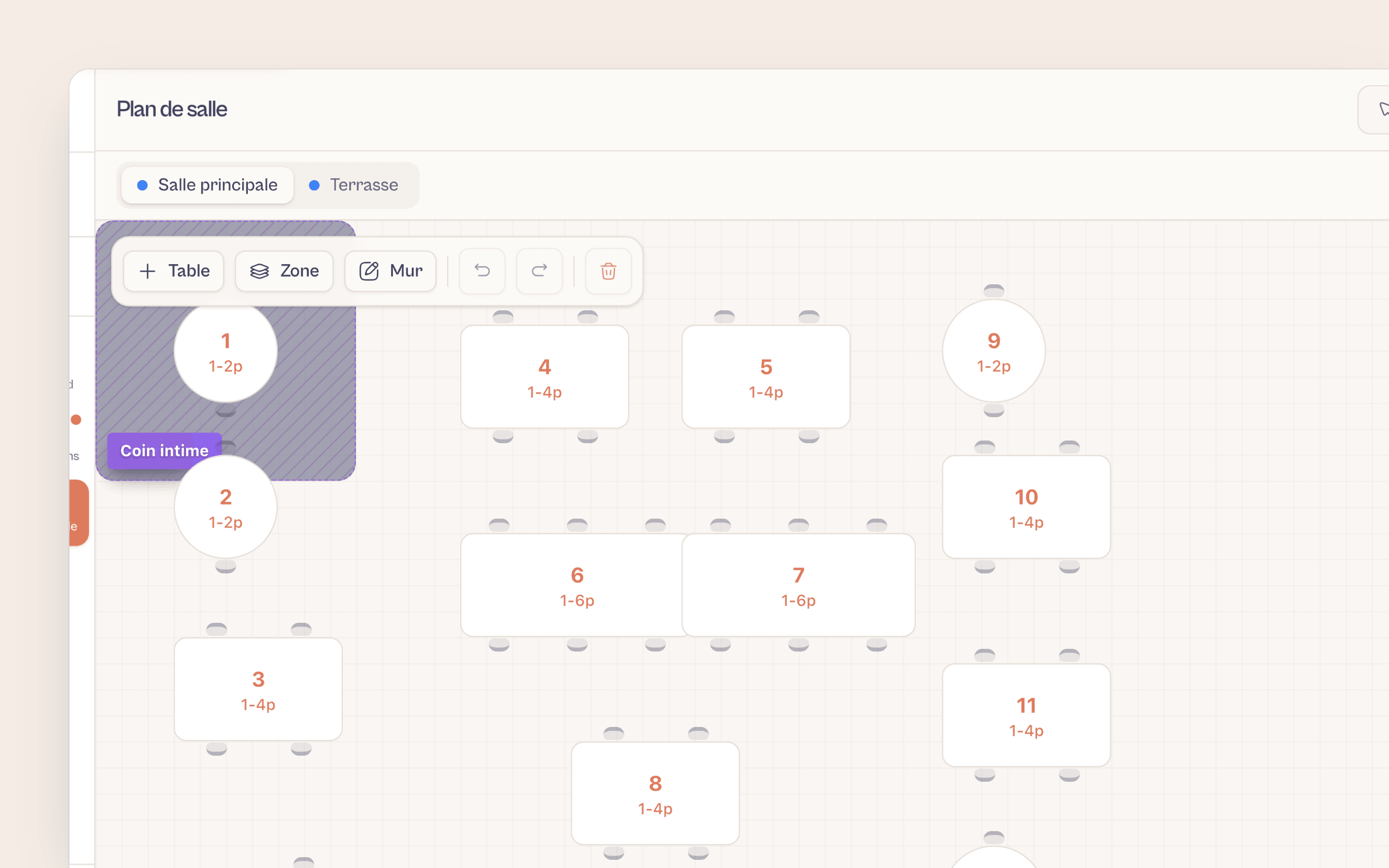
Draw your areas and tables
In the visual editor, create your areas (dining room, terrace, upper floor), define your zones and place your tables: shape, rotation, min/max capacity.
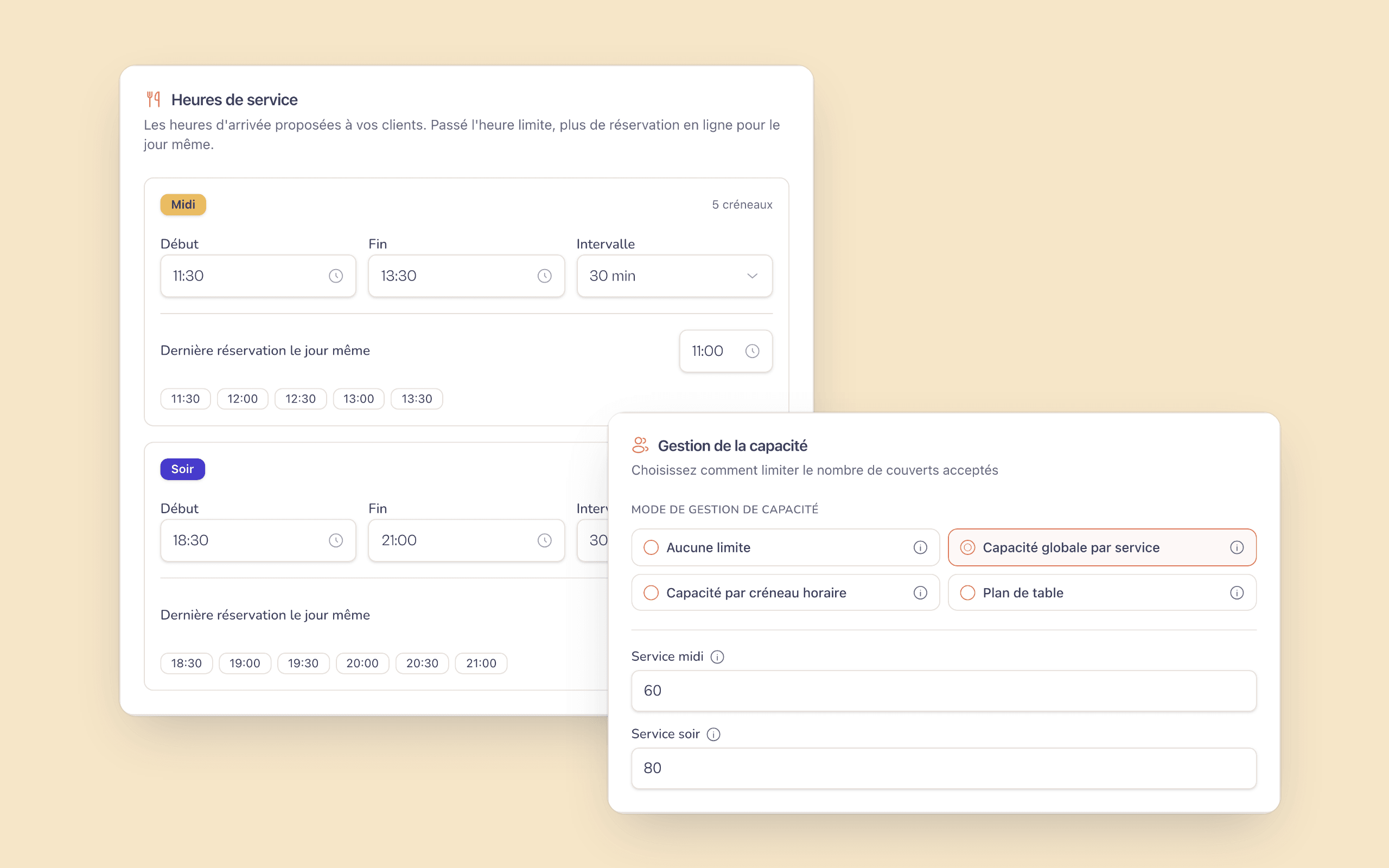
Set your service rules
Enter the meal duration for each service and the capacity of each table. Couverty uses these rules to validate every incoming booking.
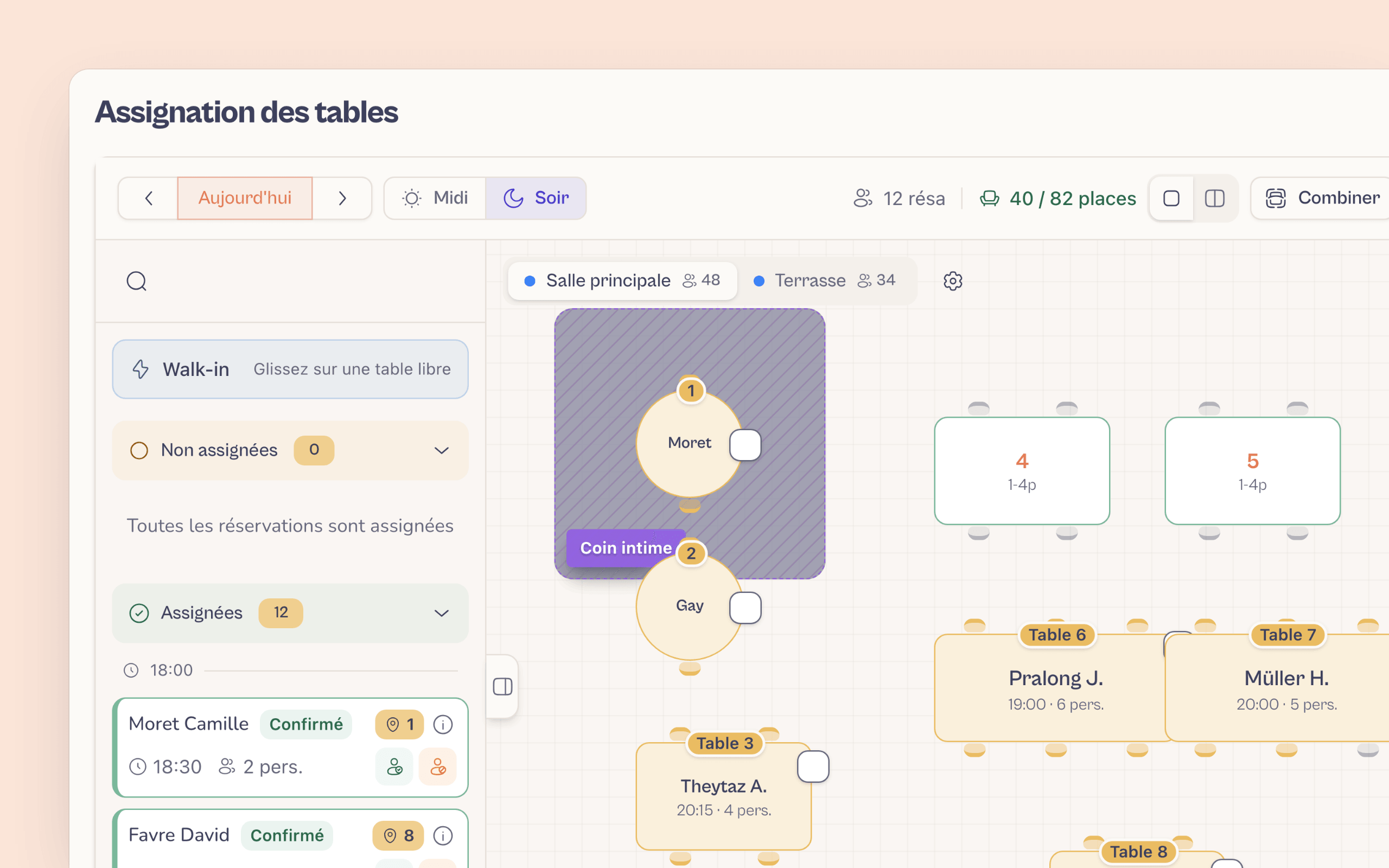
Automatic assignment and live tracking
For every booking, Couverty assigns the best table. On the day, follow occupancy in real time and step in manually when needed.
A group of 8 walks in unannounced
Rather than rearranging the room in a rush, Couverty suggests within seconds the table combination that seats the group while protecting the booked slots for the rest of the service. Your team seats the guests without improvising.
What restaurant owners say
Restaurants in French-speaking Switzerland, just like yours.
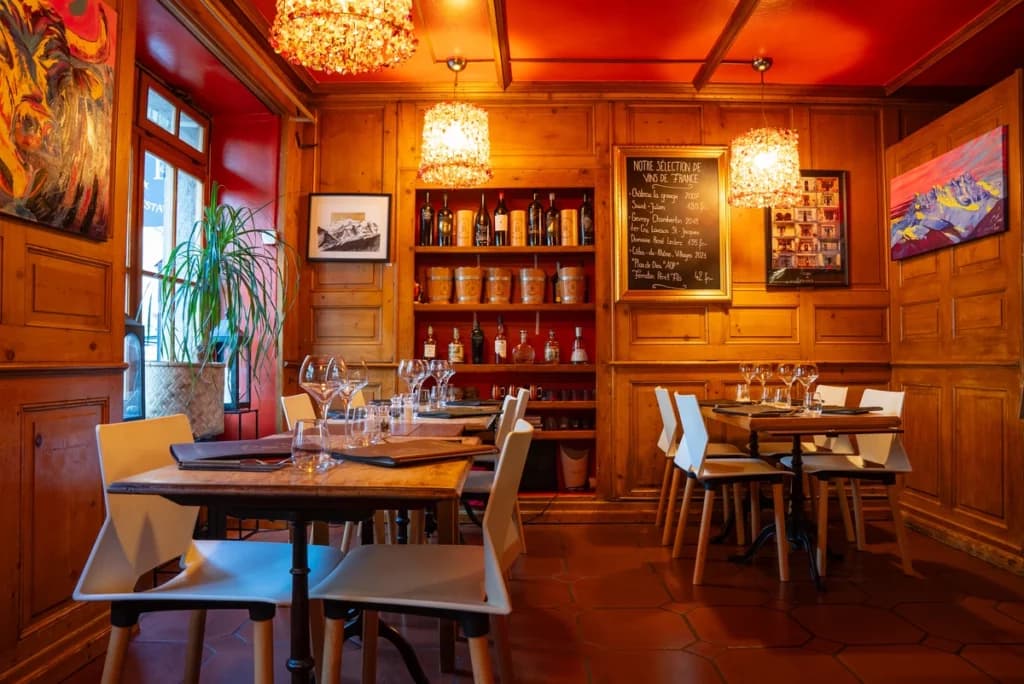
I am delighted to be working with the Couverty app: this booking platform matches exactly what I need.
Marc
Café National, Martigny-Bourg
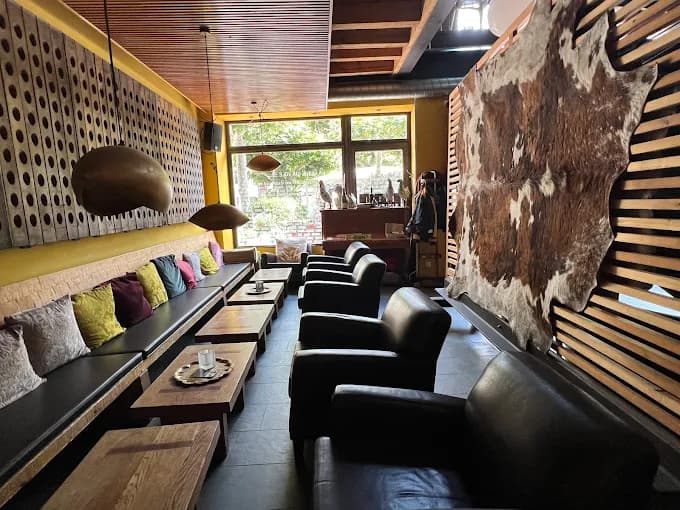
The tool meets a real need for managing bookings and organising our work: it helps us keep service flowing, anticipate busy periods and improve the guest experience.
Daniele Avitabile
La Vache qui Vole, Martigny
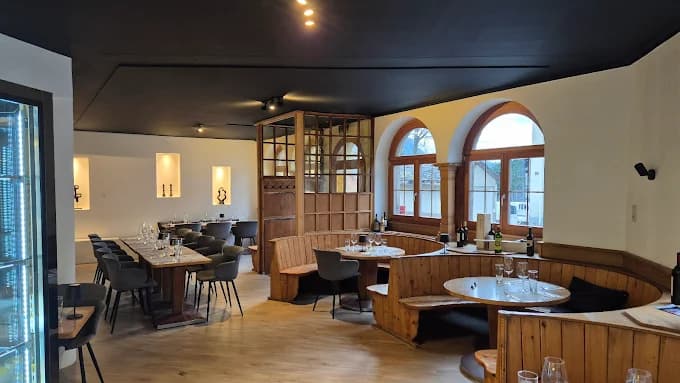
This solution really helps us manage bookings and organise our dining room: anticipating services better, managing tables more efficiently and working more smoothly. Real value for our team and for our guests.
Stéphane Délez
Le Lieu 23, Leytron
FAQFrequently asked questions
Everything you need to know about this feature.
No: you draw the room once, then everything is automatic.No. The visual editor is designed to be picked up in a few minutes: draw your areas, place your tables and enter their capacity. Once it's in place, a table is assigned automatically to every booking.
Yes, with as many areas and zones as you need.Yes. Create as many areas as your venue has (main dining room, terrace, upper floor, bar…), each with its own zones and tables. Everything is managed in a single floor plan, visible at a glance.
Yes, you always stay in control.Yes. Automatic assignment is there to help, not to constrain. You can reassign a table manually at any time, for example to seat a family with children near the entrance or to keep a table for a regular.
No, managing by capacity alone is enough if you prefer.No. You can perfectly well start with Couverty by managing only your covers per service, with no floor plan. The floor plan is an option that takes optimisation further: switch it on when you're ready.
You see the table in red in real time and adjust manually.The live occupancy view immediately flags any table that runs past its planned meal duration. You can then move or reassign the next booking in seconds, before the next guest arrives.
A question? Contact us
Optimise your dining room tonight
More covers, zero double bookings, a dining room under control.
A question? contact@couverty.ch